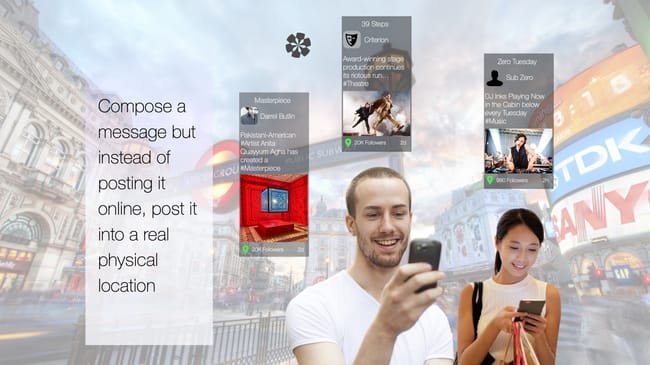
Use Hexology to: Enrich the visitor experience. Posting content into location empowers you to #Promote yourself, your #Business, your #Hobby or your interests, and to reach out & #connect with people around you. #tip Enhance your #Venue#Theatre#Restaurant#Cafe#Club or place of #Work with digital narratives that bring your location to life.
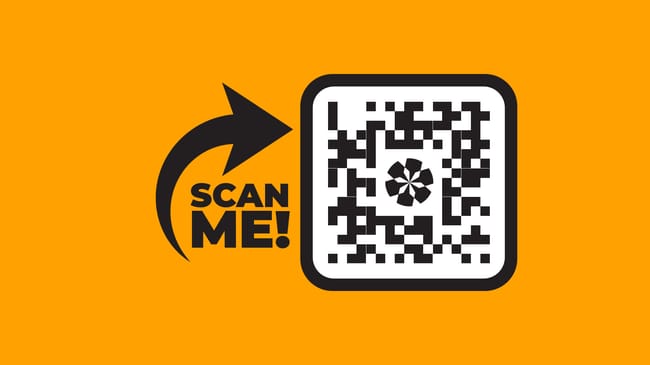
Scan QR Codes using the built-in #QRCodeScanner to open up content inside the app. #tip If you are new to #hexology and have just installed the App after scanning a #QRCode and re-directed to the App Store, scan that QR Code again!
#tip Top 3 things to remember!
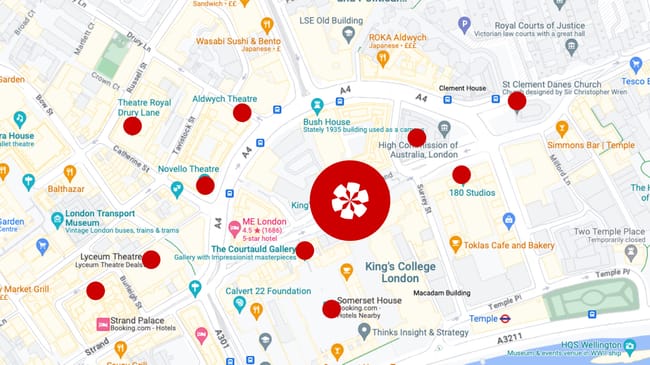
(1) A #Post is a multimedia message that lives in a Source. (2) A #Source is a location, just like the origin of a river, a source is the place from which all content flows: such as a #GPSLocation, a #QRCode or a #Barcode on a book. (3) Add a post to a source to place your content into the world.
Add your post to any source you discover, or start a new source about anything you want. #tip To create a new source press the #AddPost button at the bottom of your feed. You can create a new source in (1) your current #GPSLocation or (2) in a #QRCode which you can display. To give your new source context & purpose, give it a name and a short description.
Explore #hexology, where digital media is floating in the world around you. Discover this content in the ‘Around Me’ page, or by opening a #Keyword#Collection such as #Art#Architecture#London or even #StMaryLeStrand. #tip To begin press the back arrow in the bottom left hand corner to open your personal feed.