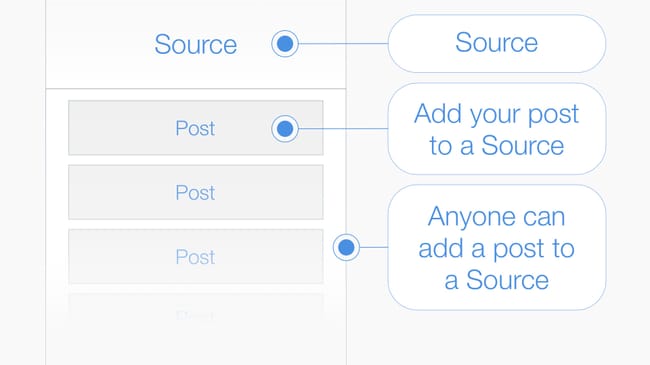
Post > A #Post is a multimedia message composed from text, keywords and an image. To publish your post add it to a source: #tip I posted a review of a book I was reading in the barcode printed on the cover. #AddPost
In Source: Hexology Bootcamp
Live in the App Stores
Post > A #Post is a multimedia message composed from text, keywords and an image. To publish your post add it to a source: #tip I posted a review of a book I was reading in the barcode printed on the cover. #AddPost
In Source: Hexology Bootcamp
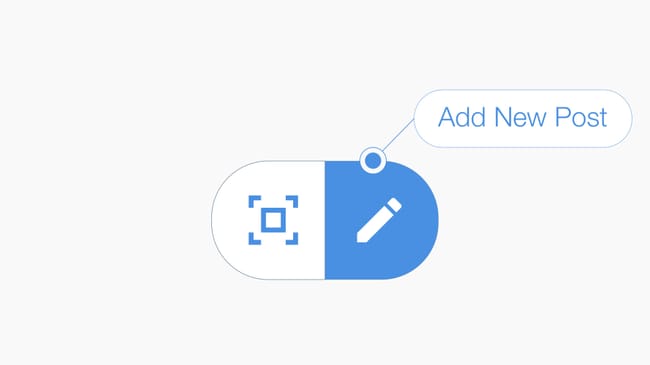
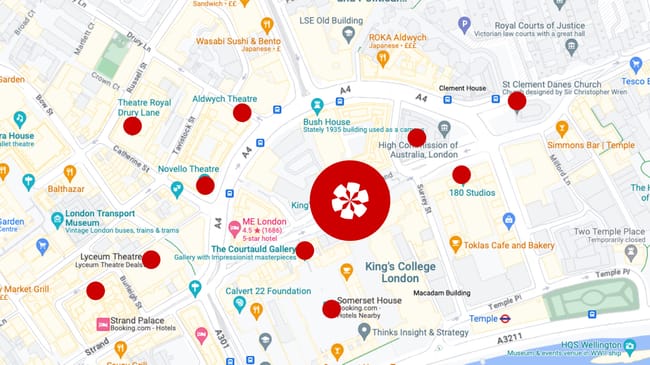
Add Post to a #GPSLocation > Press the compose icon located at the bottom of your feed to create a #post and publish it into a #GPSLocation. #tip Compose your message, then select either (1) "add post to your current location" to create a new #Source, or (2) a nearby source to add your post to an existing source. #AddPost
In Source: Hexology Bootcamp
1 Reaction
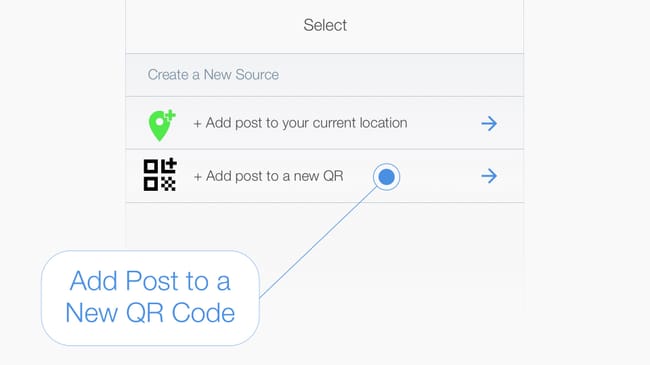
Add Post to an auto-generated #QRCode > #tip First compose your message, pressing the compose icon at the bottom of your feed, then select the "Add post to new QR" option in the select source page. #AddPost
In Source: Hexology Bootcamp
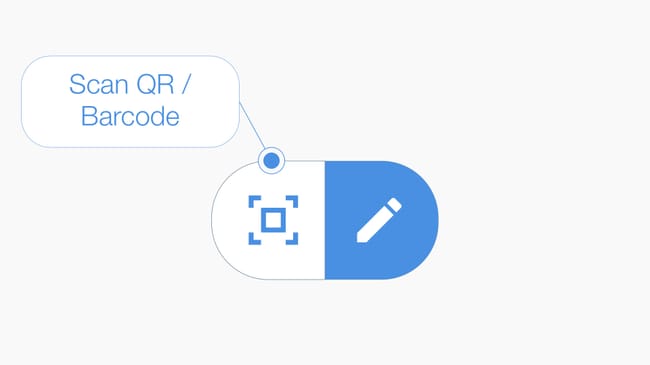
Add Post to a #Barcode > Press the #scan icon located at the bottom of your feed to launch the camera, then scan the barcode to open or create a Source. #tip If you are the first person to scan the barcode then name the source and add a description. If a Source has already been created then add your post to the existing source. #AddPost
In Source: Hexology Bootcamp
Add #Post to an Open Source > #tip At the bottom of the source page is the "+Add Post" button, press to add a post to the source you have opened. #AddPost
In Source: Hexology Bootcamp
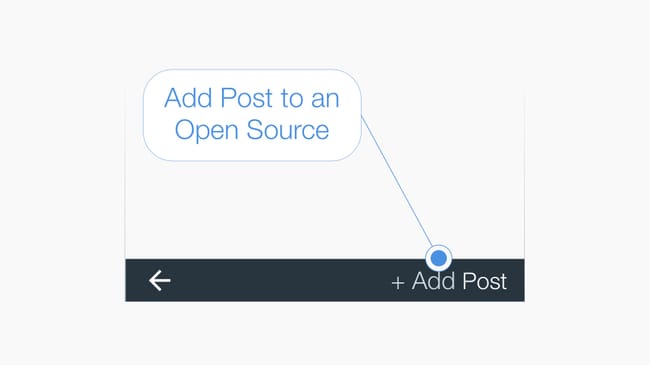
Add your post to any source you discover, or start a new source about anything you want. #tip To create a new source press the #AddPost button at the bottom of your feed. You can create a new source in (1) your current #GPSLocation or (2) in a #QRCode which you can display. To give your new source context & purpose, give it a name and a short description.
In Source: Hello
1 Reaction
No ads · No cookies · No tracking · Privacy