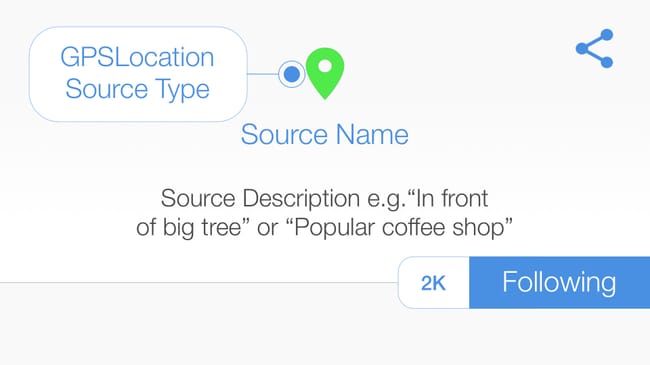
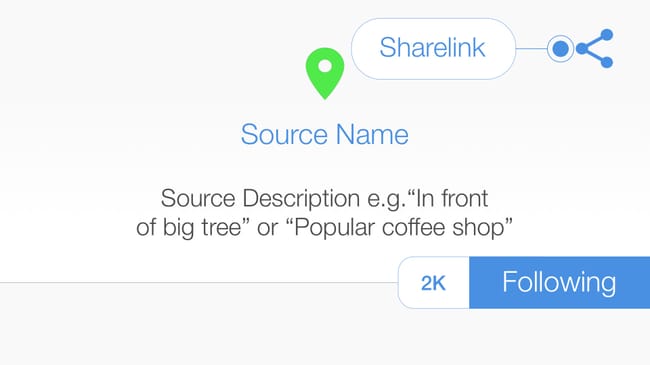
Source > A #source is the point of origin where posts are stored, anyone can add a post to a source. #hexology uses multiple source types, enabling you to add your post to a #Barcode#QRCode#GPSLocation or #hexBeacon#tip I posted a photograph in the #GPSLocation where it was shot.
Following a Source > When you open a #Source you start to #follow it and all of the posts inside the source appear in your feed. When a new post is added to a source you follow, it appears in your feed. #tip You can unfollow a source, but unless you can scan the #QRCode#Barcode or go to the #GPSLocation and re-open it, you may not be able to recover the content. #FollowSource
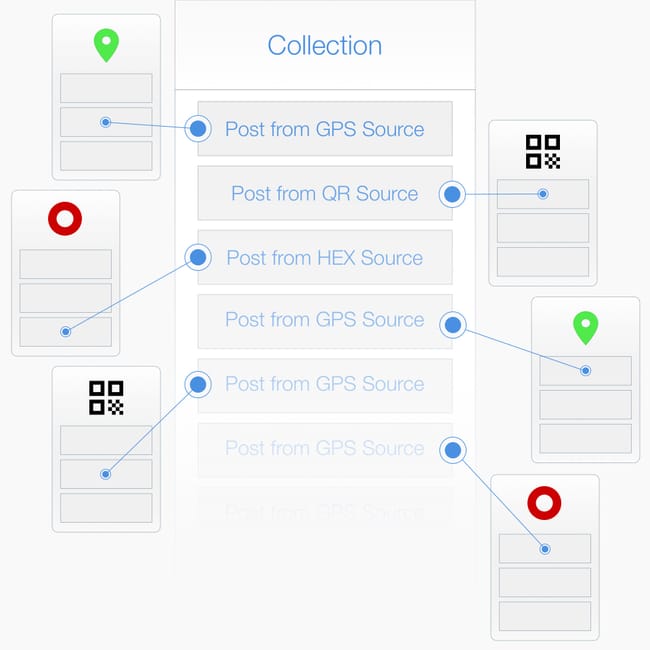
About Collections > A #collection is a place where you curate posts. Headed with a banner image and a description, you are the only person that has permission to add a post to a collection you created. #tip I created a collection to advertise my business, and inserted a post from a #QRCode#Source that I printed on a poster.
Add Post to a #GPSLocation > Press the compose icon located at the bottom of your feed to create a #post and publish it into a #GPSLocation. #tip Compose your message, then select either (1) "add post to your current location" to create a new #Source, or (2) a nearby source to add your post to an existing source. #AddPost
#tip Top 3 things to remember!
(1) A #Post is a multimedia message that lives in a Source. (2) A #Source is a location, just like the origin of a river, a source is the place from which all content flows: such as a #GPSLocation, a #QRCode or a #Barcode on a book. (3) Add a post to a source to place your content into the world.