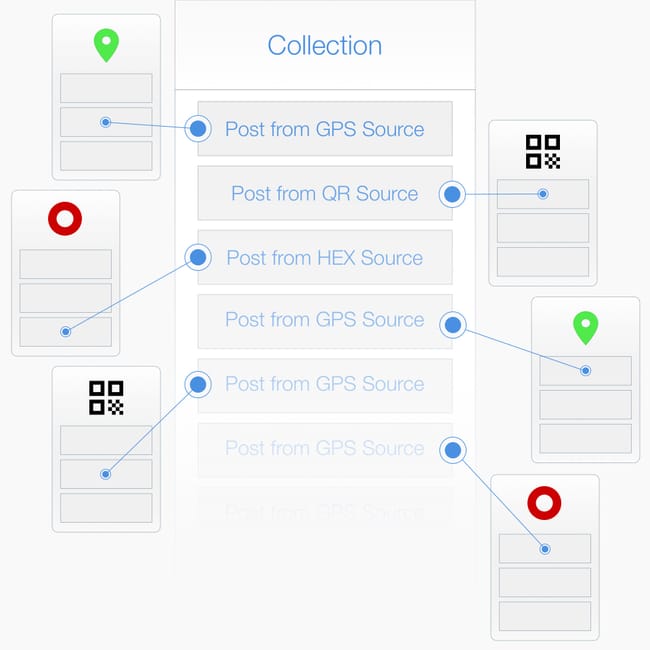
About Collections > A #collection is a place where you curate posts. Headed with a banner image and a description, you are the only person that has permission to add a post to a collection you created. #tip I created a collection to advertise my business, and inserted a post from a #QRCode#Source that I printed on a poster.
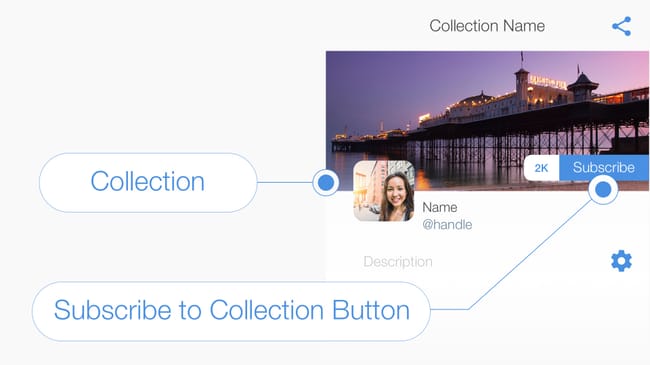
Subscribe to a Collection > Ask people to #subscribe to your #collection so that they receive a #notification when ever you add a new post. #tip The Keynote Speaker in the Seminar Room is about to begin, subscribe to this collection to stay up to date. #SubscribeToCollection
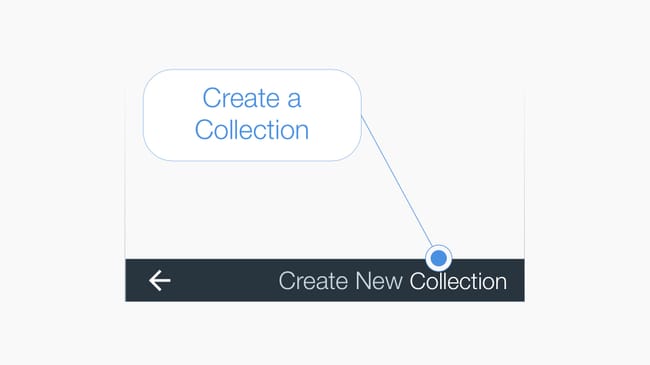
Create a #Collection > #tip Press the Collection List icon in the top right-hand corner of your feed to view a list of your collections. Then press the text "Create New Collection" in the bottom right hand corner of the page to initiate the create collection workflow. #CreateCollection
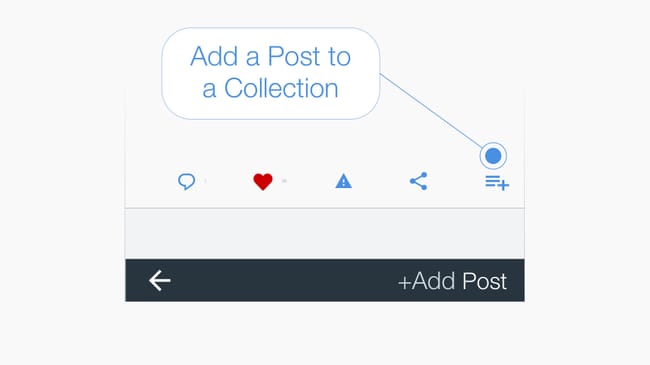
Add a post to a #Collection > Below every post is a menu bar and the icon on the far right adds the #post to a collection when pressed. #tip You can add a post created by anyone and from any source to your own collection. #CreateCollection
Explore #hexology, where digital media is floating in the world around you. Discover this content in the ‘Around Me’ page, or by opening a #Keyword#Collection such as #Art#Architecture#London or even #StMaryLeStrand. #tip To begin press the back arrow in the bottom left hand corner to open your personal feed.