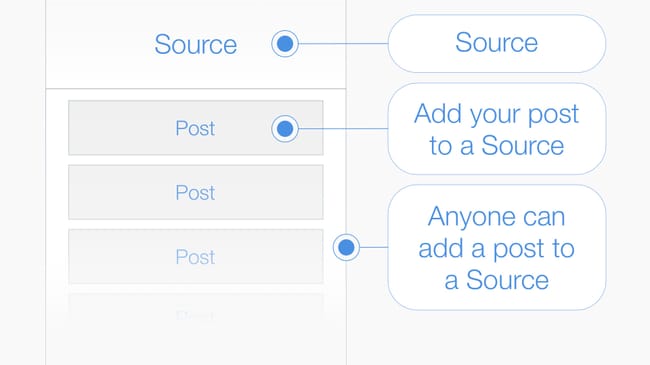
Post > A #Post is a multimedia message composed from text, keywords and an image. To publish your post add it to a source: #tip I posted a review of a book I was reading in the barcode printed on the cover. #AddPost
In Source: Hexology Bootcamp
Live in the App Stores
Post > A #Post is a multimedia message composed from text, keywords and an image. To publish your post add it to a source: #tip I posted a review of a book I was reading in the barcode printed on the cover. #AddPost
In Source: Hexology Bootcamp
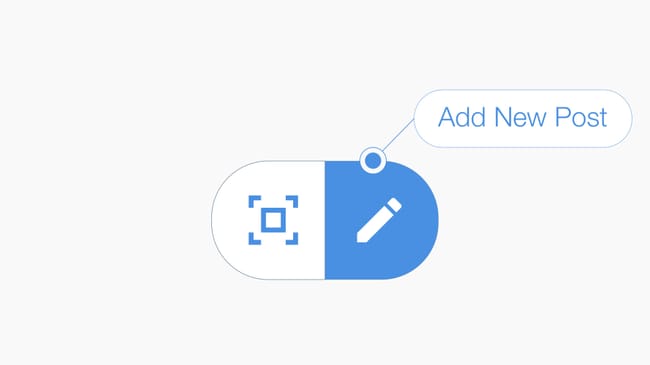
Add Post to a #GPSLocation > Press the compose icon located at the bottom of your feed to create a #post and publish it into a #GPSLocation. #tip Compose your message, then select either (1) "add post to your current location" to create a new #Source, or (2) a nearby source to add your post to an existing source. #AddPost
In Source: Hexology Bootcamp
1 Reaction
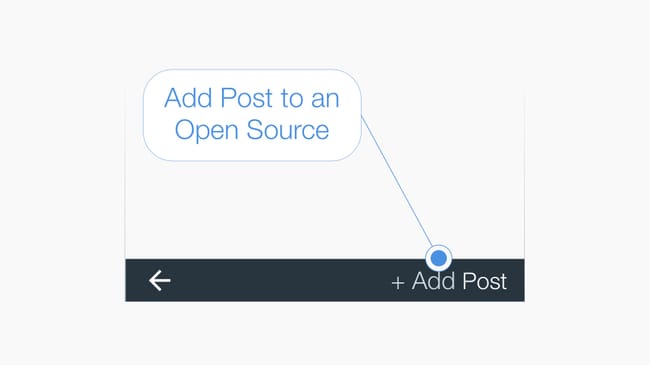
Add #Post to an Open Source > #tip At the bottom of the source page is the "+Add Post" button, press to add a post to the source you have opened. #AddPost
In Source: Hexology Bootcamp
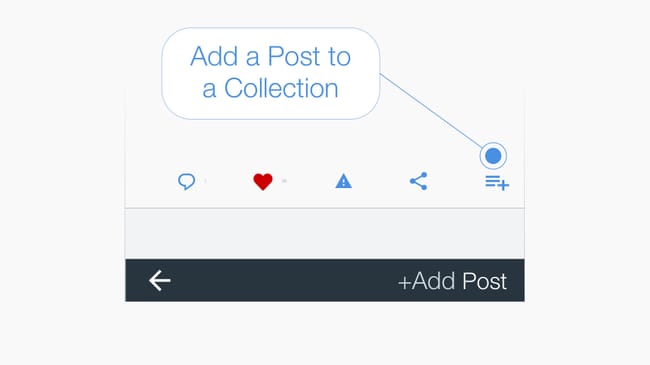
Add a post to a #Collection > Below every post is a menu bar and the icon on the far right adds the #post to a collection when pressed. #tip You can add a post created by anyone and from any source to your own collection. #CreateCollection
In Source: Hexology Bootcamp
Sharing links > Share a #Post, a #Source or a #Collection with other people by sending them a #sharelink. #tip To send a #sharelink press the share icon.
In Source: Hexology Bootcamp
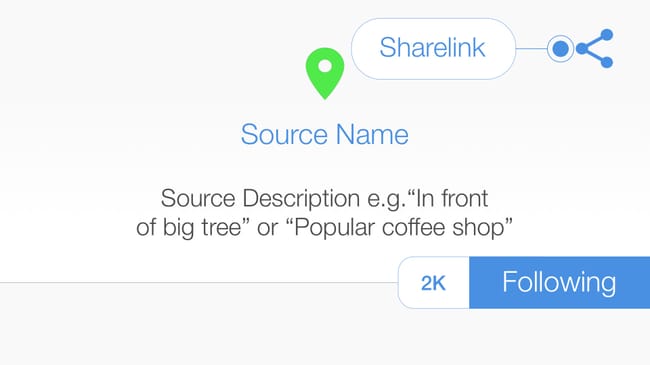
#tip Top 3 things to remember! (1) A #Post is a multimedia message that lives in a Source. (2) A #Source is a location, just like the origin of a river, a source is the place from which all content flows: such as a #GPSLocation, a #QRCode or a #Barcode on a book. (3) Add a post to a source to place your content into the world.
In Source: Hello

1 Reaction
First #post
In Source: First source ✌️✌️✌️
1 Comment • 2 Reactions
No ads · No cookies · No tracking · Privacy