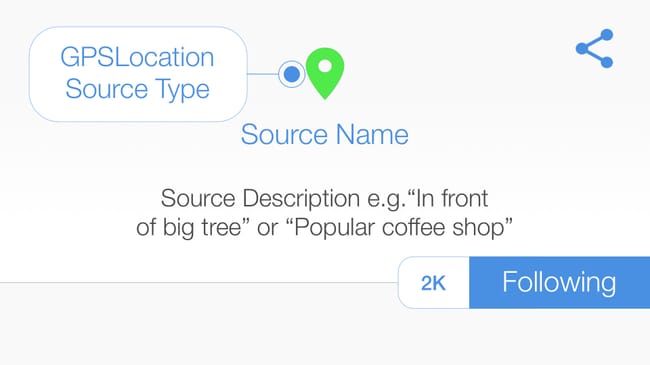
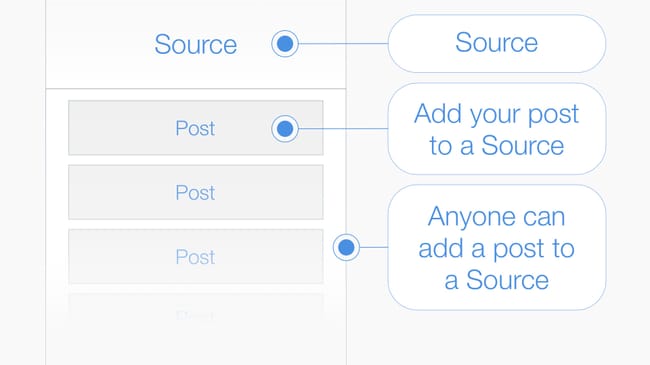
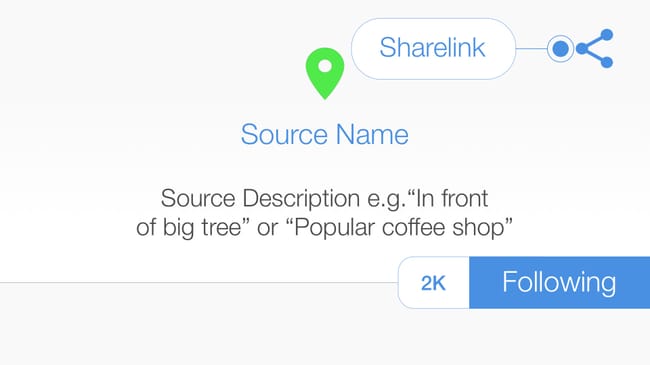
Source > A #source is the point of origin where posts are stored, anyone can add a post to a source. #hexology uses multiple source types, enabling you to add your post to a #Barcode#QRCode#GPSLocation or #hexBeacon#tip I posted a photograph in the #GPSLocation where it was shot.
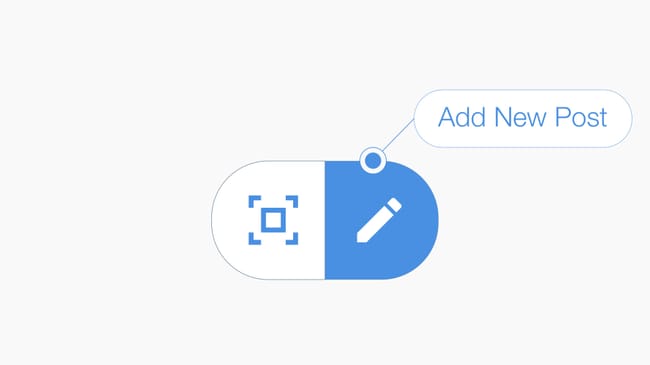
Post > A #Post is a multimedia message composed from text, keywords and an image. To publish your post add it to a source: #tip I posted a review of a book I was reading in the barcode printed on the cover. #AddPost
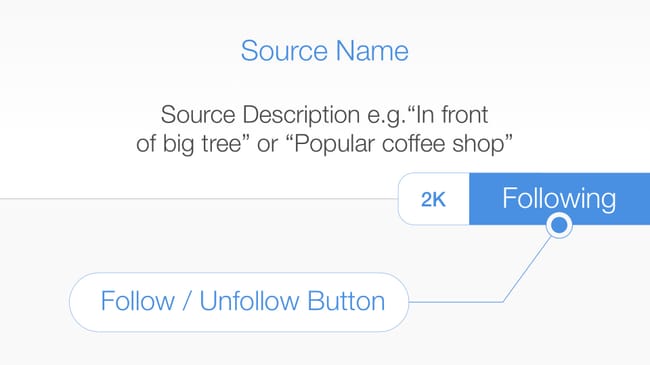
Following a Source > When you open a #Source you start to #follow it and all of the posts inside the source appear in your feed. When a new post is added to a source you follow, it appears in your feed. #tip You can unfollow a source, but unless you can scan the #QRCode#Barcode or go to the #GPSLocation and re-open it, you may not be able to recover the content. #FollowSource
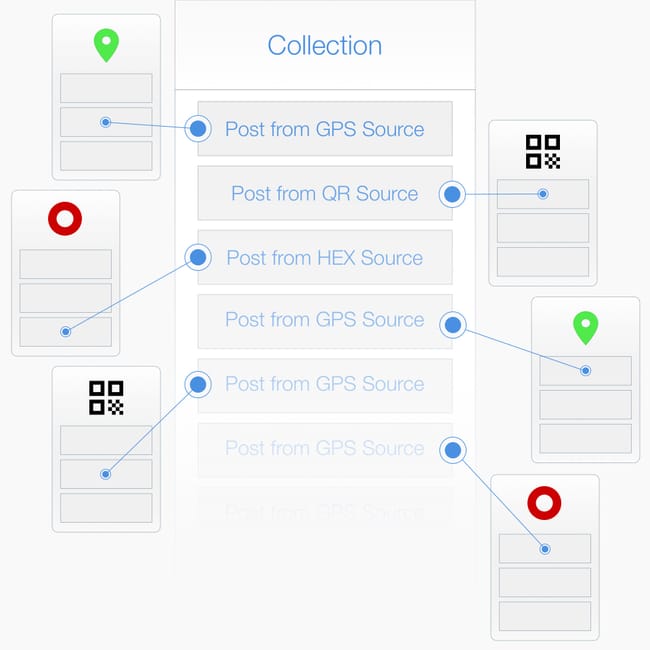
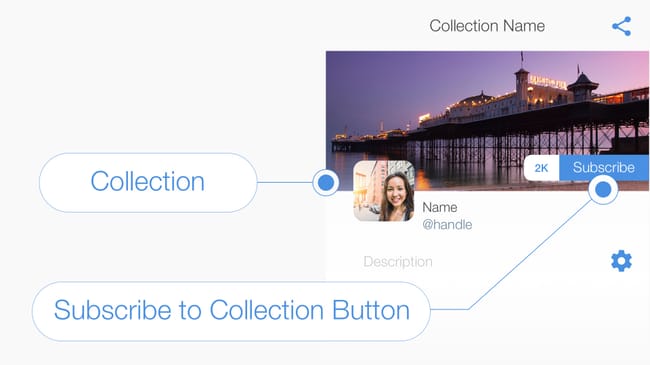
About Collections > A #collection is a place where you curate posts. Headed with a banner image and a description, you are the only person that has permission to add a post to a collection you created. #tip I created a collection to advertise my business, and inserted a post from a #QRCode#Source that I printed on a poster.
Subscribe to a Collection > Ask people to #subscribe to your #collection so that they receive a #notification when ever you add a new post. #tip The Keynote Speaker in the Seminar Room is about to begin, subscribe to this collection to stay up to date. #SubscribeToCollection
Add Post to a #GPSLocation > Press the compose icon located at the bottom of your feed to create a #post and publish it into a #GPSLocation. #tip Compose your message, then select either (1) "add post to your current location" to create a new #Source, or (2) a nearby source to add your post to an existing source. #AddPost
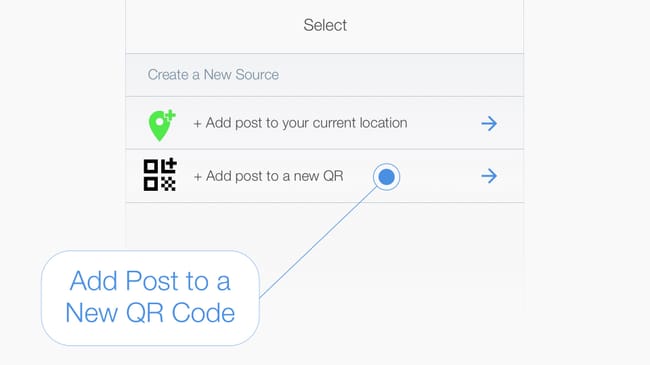
Add Post to an auto-generated #QRCode > #tip First compose your message, pressing the compose icon at the bottom of your feed, then select the "Add post to new QR" option in the select source page. #AddPost
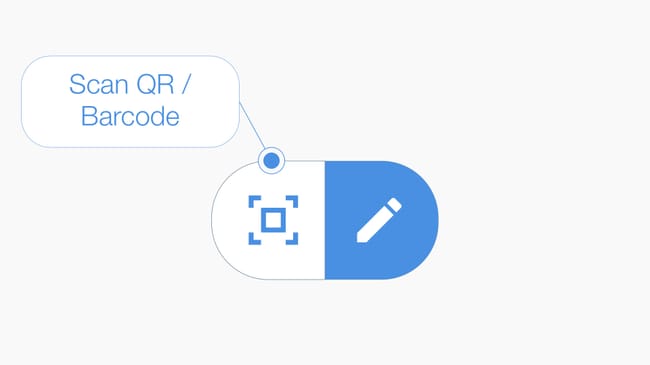
Add Post to a #Barcode > Press the #scan icon located at the bottom of your feed to launch the camera, then scan the barcode to open or create a Source. #tip If you are the first person to scan the barcode then name the source and add a description. If a Source has already been created then add your post to the existing source. #AddPost
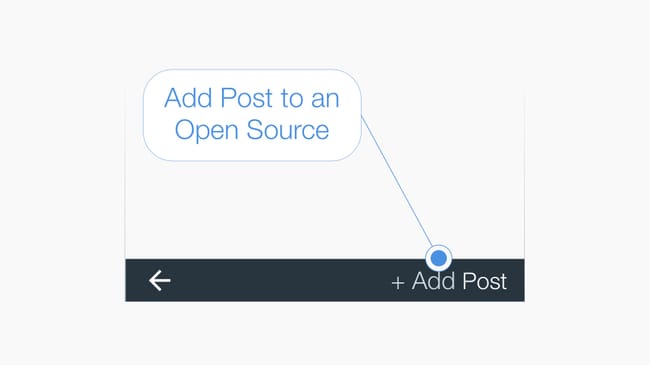
Add #Post to an Open Source > #tip At the bottom of the source page is the "+Add Post" button, press to add a post to the source you have opened. #AddPost
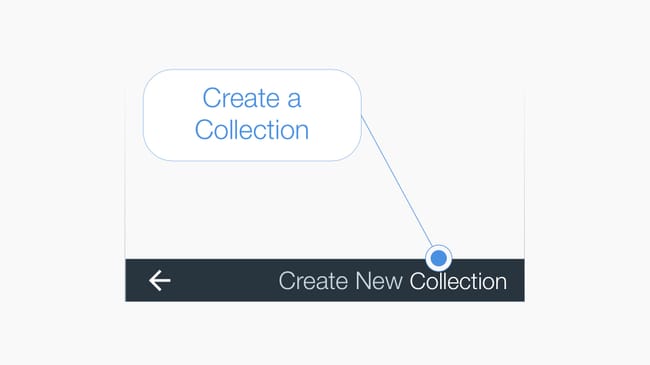
Create a #Collection > #tip Press the Collection List icon in the top right-hand corner of your feed to view a list of your collections. Then press the text "Create New Collection" in the bottom right hand corner of the page to initiate the create collection workflow. #CreateCollection
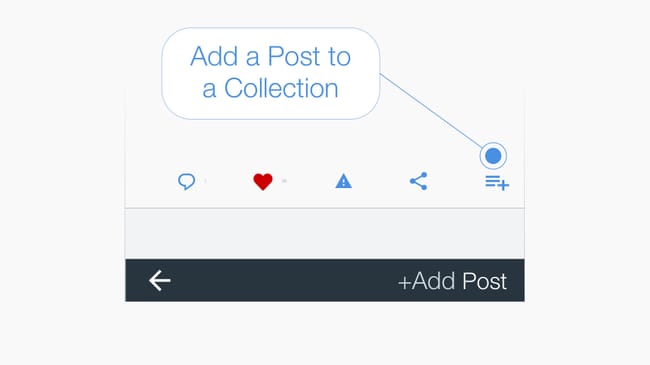
Add a post to a #Collection > Below every post is a menu bar and the icon on the far right adds the #post to a collection when pressed. #tip You can add a post created by anyone and from any source to your own collection. #CreateCollection
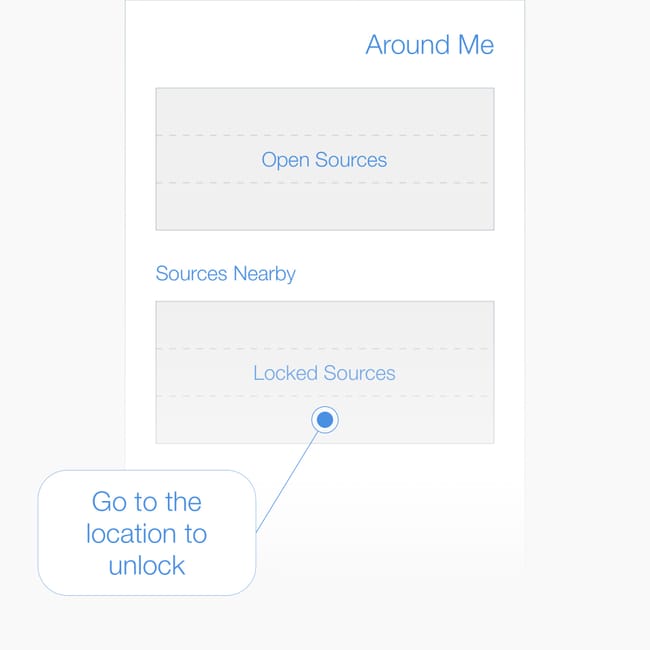
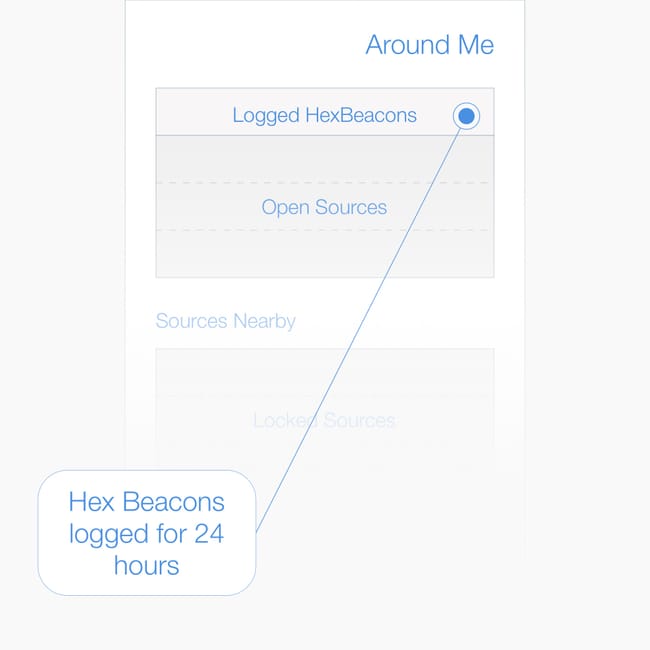
Around Me > A list of all #GPSLocation and #hexBeacons around you are listed in the Around Me Page. #tip Press the text "Around Me" located at the bottom of the feed to see the list. Split into two parts, the top part includes open sources, and the bottom part includes locked sources that are nearby #AroundMe
Logged #hex Beacons in Around Me > When you are near a #hexBeacon it is automatically opened and logged in the #AroundMe page for 24 hours. #tip Open a #hexBeacon and follow the source or subscribe to the collection within 24 hours to prevent if from being removed from the log.