The first principle of #hexology is #tip anyone can add a post to a source. #tip Read our app guide for an introduction to #hexology
In Source: About Hexology
1 Reaction
Live in the App Stores
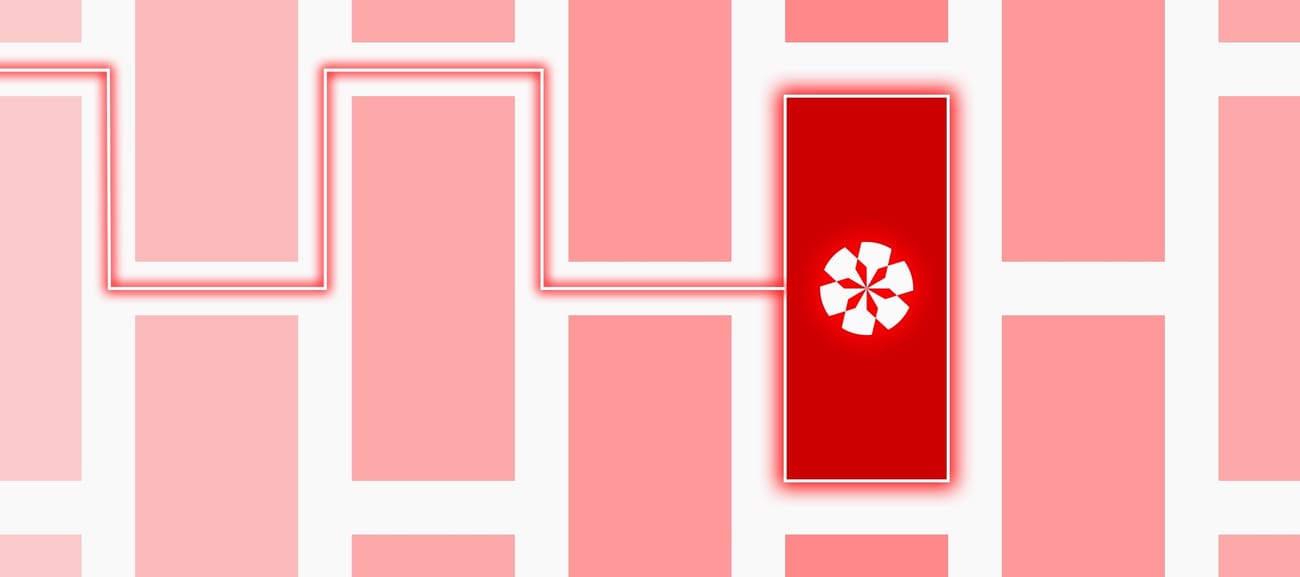
A breakdown of the Hexology App
The first principle of #hexology is #tip anyone can add a post to a source. #tip Read our app guide for an introduction to #hexology
In Source: About Hexology
1 Reaction
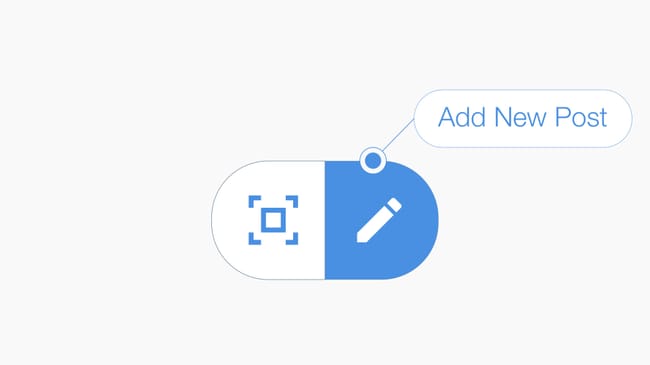
Add Post to a #GPSLocation > Press the compose icon located at the bottom of your feed to create a #post and publish it into a #GPSLocation. #tip Compose your message, then select either (1) "add post to your current location" to create a new #Source, or (2) a nearby source to add your post to an existing source. #AddPost
In Source: Hexology Bootcamp
1 Reaction
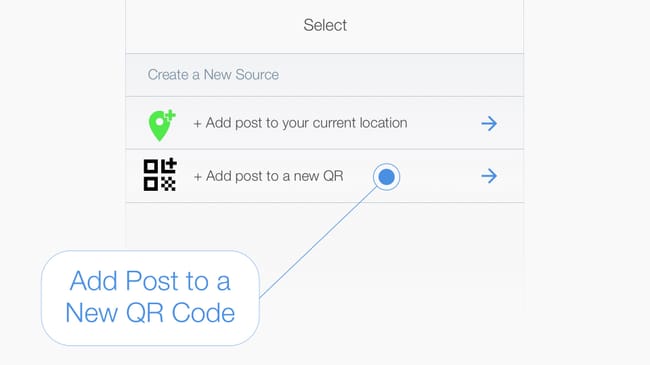
Add Post to an auto-generated #QRCode > #tip First compose your message, pressing the compose icon at the bottom of your feed, then select the "Add post to new QR" option in the select source page. #AddPost
In Source: Hexology Bootcamp
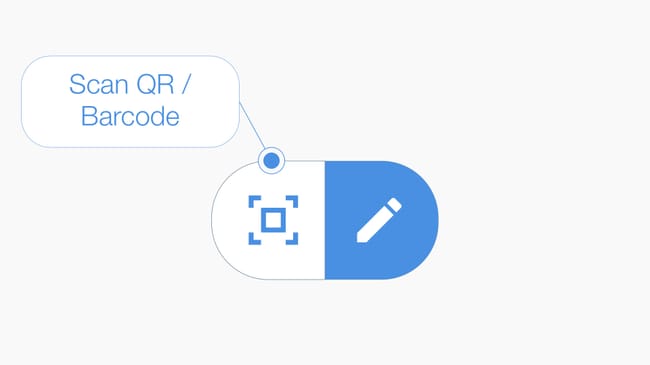
Add Post to a #Barcode > Press the #scan icon located at the bottom of your feed to launch the camera, then scan the barcode to open or create a Source. #tip If you are the first person to scan the barcode then name the source and add a description. If a Source has already been created then add your post to the existing source. #AddPost
In Source: Hexology Bootcamp
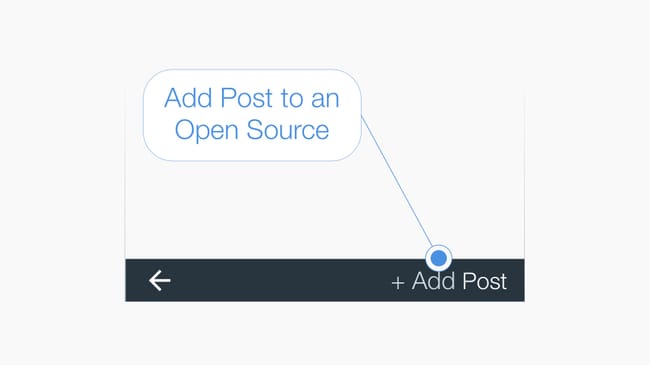
Add #Post to an Open Source > #tip At the bottom of the source page is the "+Add Post" button, press to add a post to the source you have opened. #AddPost
In Source: Hexology Bootcamp
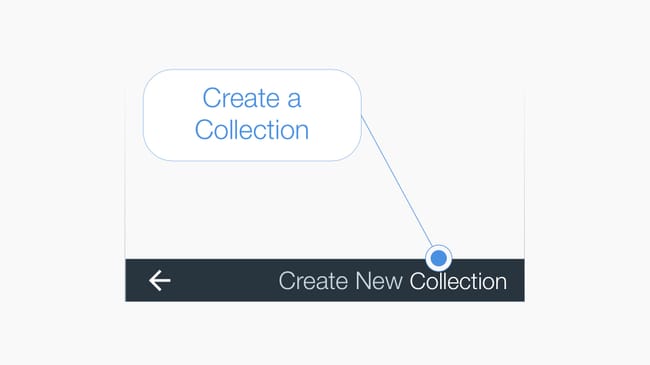
Create a #Collection > #tip Press the Collection List icon in the top right-hand corner of your feed to view a list of your collections. Then press the text "Create New Collection" in the bottom right hand corner of the page to initiate the create collection workflow. #CreateCollection
In Source: Hexology Bootcamp
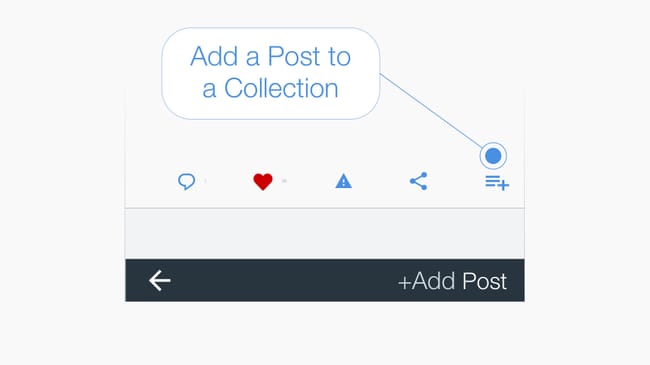
Add a post to a #Collection > Below every post is a menu bar and the icon on the far right adds the #post to a collection when pressed. #tip You can add a post created by anyone and from any source to your own collection. #CreateCollection
In Source: Hexology Bootcamp
Around Me > A list of all #GPSLocation and #hexBeacons around you are listed in the Around Me Page. #tip Press the text "Around Me" located at the bottom of the feed to see the list. Split into two parts, the top part includes open sources, and the bottom part includes locked sources that are nearby #AroundMe
In Source: Hexology Bootcamp
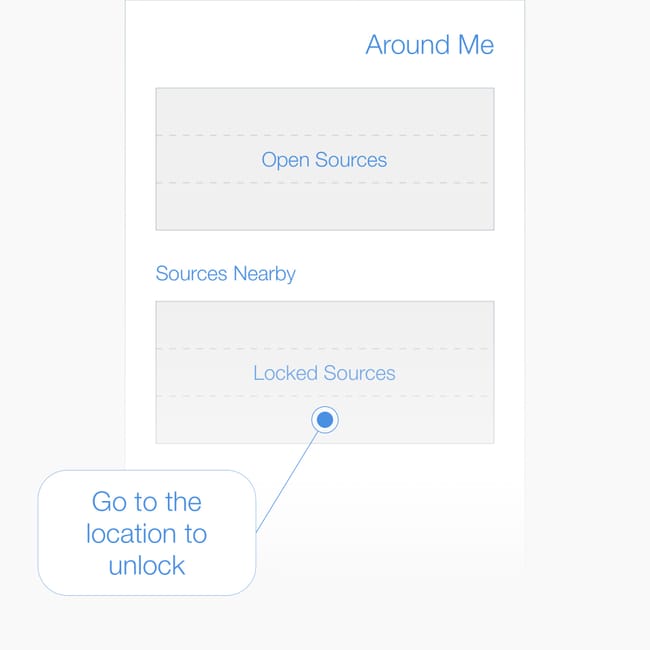
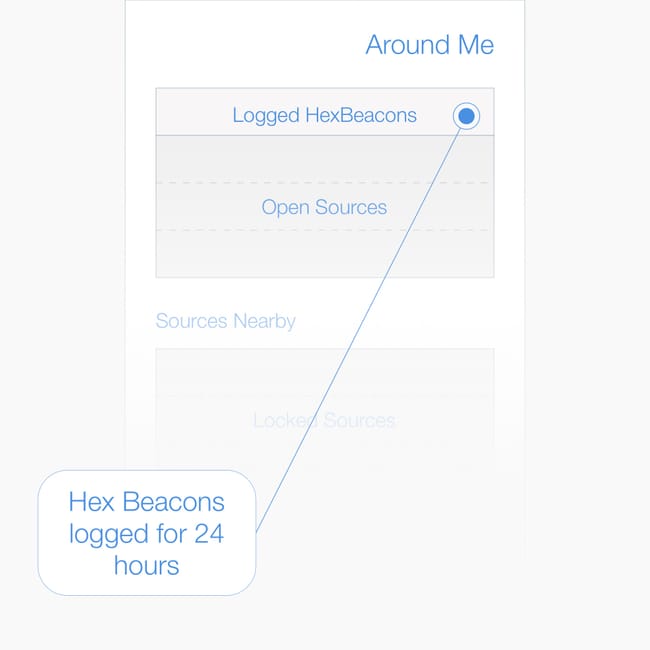
Logged #hex Beacons in Around Me > When you are near a #hexBeacon it is automatically opened and logged in the #AroundMe page for 24 hours. #tip Open a #hexBeacon and follow the source or subscribe to the collection within 24 hours to prevent if from being removed from the log.
In Source: Hexology Bootcamp
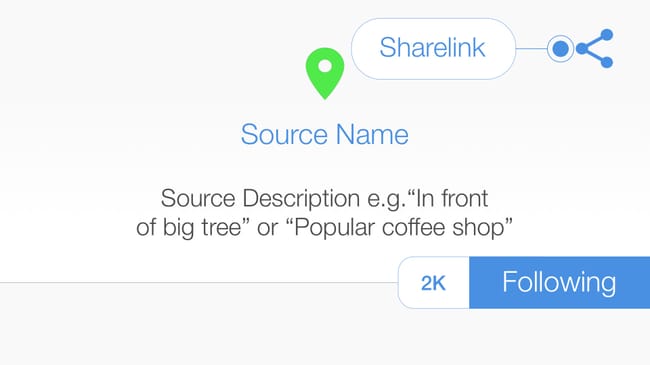
Sharing links > Share a #Post, a #Source or a #Collection with other people by sending them a #sharelink. #tip To send a #sharelink press the share icon.
In Source: Hexology Bootcamp
No ads · No cookies · No tracking · Privacy